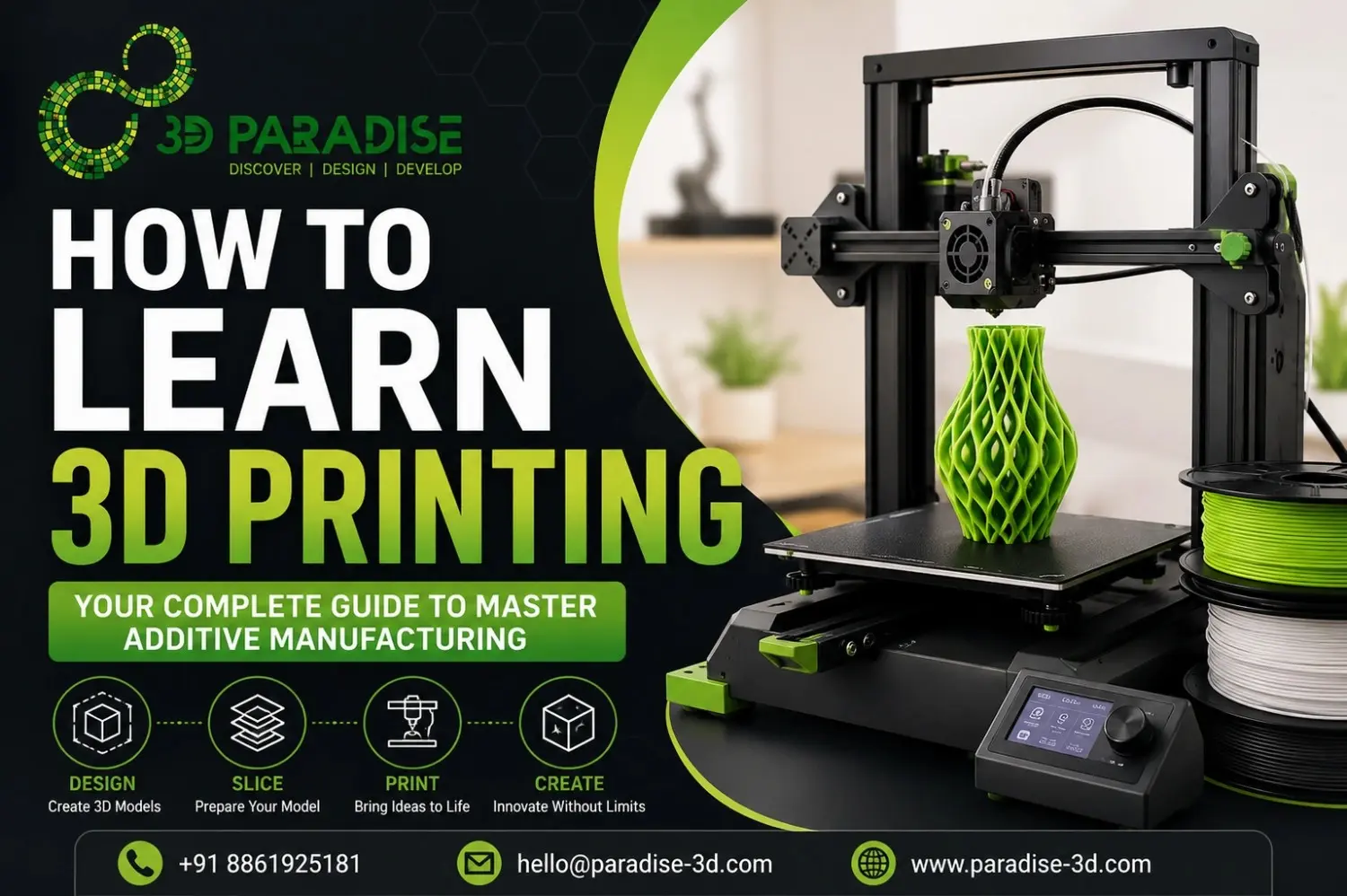
How to Learn 3D Printing in 2026: Beginner Roadmap, Software, Printers & Expert Tips
3D printing has changed the way people design, prototype, and manufacture products. Whether you want to create custom prototypes, functional machine parts, engineering models, or creative projects, learning 3D printing is one of the most valuable technical skills you can develop today.
The biggest challenge for beginners isn’t learning how to use a printer—it’s knowing where to start. Many people jump straight into buying a printer without understanding CAD software, slicing, materials, printer calibration, or common printing mistakes. That often leads to failed prints, wasted filament, and frustration.
The good news is that anyone can learn 3D printing with the right approach. In this guide, the experts at 3D Paradise share a practical learning roadmap that takes you from complete beginner to confident maker. You’ll learn how 3D printers work, which software to use, how to choose your first printer, and the essential skills that help you produce high-quality prints consistently.
What Is 3D Printing?
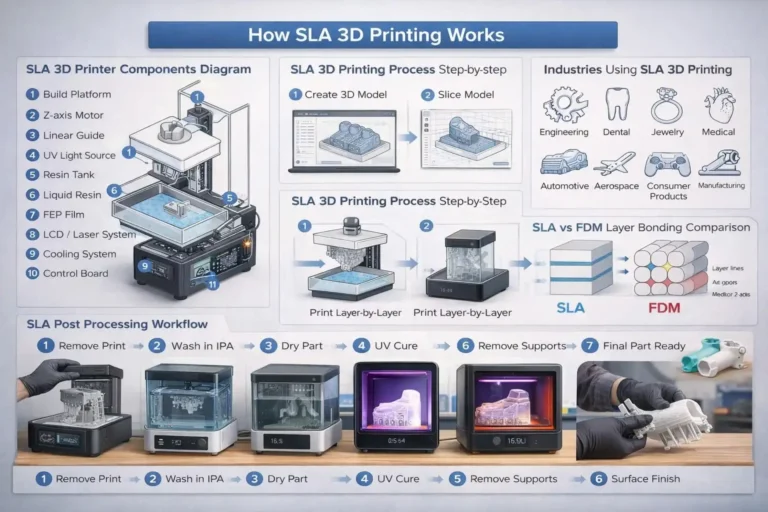
Definition: 3D printing is an additive manufacturing technology that builds three-dimensional objects layer by layer using a digital design file.
Unlike traditional manufacturing, which removes material through cutting or machining, additive manufacturing adds material only where needed. This reduces waste, speeds up product development, and enables highly complex geometries that conventional manufacturing cannot easily produce.
Today, 3D printing is widely used in:
- Rapid prototyping
- Product development
- Automotive engineering
- Aerospace manufacturing
- Medical devices
- Dental applications
- Architecture
- Consumer products
- Robotics
- Education
- Industrial tooling
Modern 3D printers can produce functional prototypes, end-use parts, customized medical devices, jigs, fixtures, molds, and even lightweight production components.
Can Anyone Learn 3D Printing?
Absolutely.
You don’t need an engineering degree or years of technical experience to start learning 3D printing. Many successful designers, hobbyists, students, and entrepreneurs began with little or no prior knowledge.
If you can learn basic computer skills, you can also learn to:
- Create simple 3D models
- Prepare print files
- Configure slicing settings
- Operate a desktop 3D printer
- Troubleshoot common printing issues
- Improve print quality over time
The learning curve depends more on consistency than technical background. Spending just 30 to 60 minutes a day practicing design and printing can produce noticeable progress within a few weeks.
Skills You Need Before Starting
You don’t need to master every technical concept on day one, but understanding a few core skills will make your learning journey much smoother.
Basic Computer Skills
You’ll regularly work with CAD software, slicing applications, firmware updates, and digital files such as STL, OBJ, and 3MF.
Basic Design Thinking
Learning to visualize shapes, dimensions, tolerances, and part functionality helps you design printable models that perform well in real-world applications.
Patience and Problem-Solving
Every maker experiences failed prints. Learning why a print failed—and how to fix it—is one of the fastest ways to improve your skills.
Understanding Measurements
Knowing how to work with millimeters, clearances, wall thickness, and dimensional accuracy helps you produce parts that fit and function correctly.
30-Day Learning Roadmap for Beginners
Instead of trying to learn everything at once, follow a structured roadmap.
Week 1 – Learn the Fundamentals
Focus on understanding:
- What is additive manufacturing?
- How FDM and resin printers work
- Printer components
- STL files
- G-code
- Safety practices
- Common printing terminology
Goal: Build a solid theoretical foundation.
Week 2 – Learn Basic CAD Design
Start designing simple models using beginner-friendly CAD software.
Practice creating:
- Keychains
- Nameplates
- Phone stands
- Storage hooks
- Simple containers
Goal: Understand how digital models are created.
Week 3 – Master Slicing Software
Learn how slicing software converts a 3D model into machine instructions.
Practice adjusting:
- Layer height
- Infill percentage
- Print speed
- Support structures
- Build orientation
- Bed adhesion settings
Goal: Produce cleaner and more reliable prints.
Week 4 – Print, Calibrate, and Improve
Now begin printing functional parts while learning printer optimization.
Focus on:
- Bed leveling
- Extruder calibration
- Nozzle temperature
- Filament storage
- Print quality analysis
- Troubleshooting common defects
Goal: Develop confidence operating your printer independently.
Choosing Your First 3D Printer
Selecting the right printer is one of the most important decisions for beginners. The best printer isn’t necessarily the most expensive—it’s the one that matches your learning goals.
Before buying, consider:
Budget
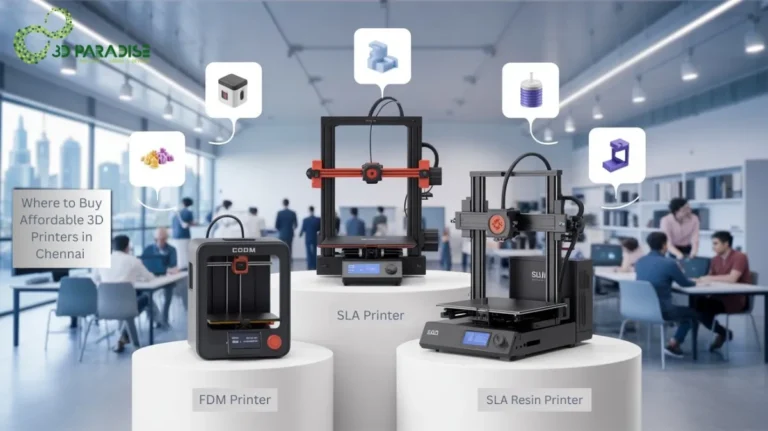
Entry-level FDM printers provide excellent value for beginners and are ideal for learning calibration, maintenance, and material handling.
Build Volume
Choose a printer with enough build space for the types of projects you plan to create without paying for unnecessary capacity.
Print Quality
Look for consistent layer resolution, reliable motion systems, and stable temperature control rather than simply comparing advertised specifications.
Material Compatibility
A versatile printer should support commonly used materials such as:
- PLA
- PETG
- ABS
- TPU
- Nylon (where supported)
This gives you room to experiment as your skills grow.
Community Support
Printers with large user communities make learning much easier. You’ll find troubleshooting guides, printable upgrades, calibration profiles, and project ideas shared by experienced users.
Key Takeaways
- Anyone can learn 3D printing with a structured learning plan.
- Understanding the complete workflow is more important than buying an expensive printer.
- Start with CAD basics before focusing on advanced printing techniques.
- Practice consistently using simple projects to build confidence.
- Learning slicing, calibration, and troubleshooting will dramatically improve print quality.
- Treat 3D printing as a combination of design, engineering, and manufacturing rather than simply operating a machine.
In the next section, we’ll explore the different types of 3D printers, compare FDM, SLA, SLS, and other technologies, explain the best 3D modeling and slicing software for beginners, and walk through the complete printing workflow from digital design to finished part.
Frequently Asked Questions
How long does it take to learn 3D printing?
Most beginners can learn the basics of 3D printing within 2–4 weeks with regular practice. Mastering CAD design, slicing, calibration, and troubleshooting may take a few months.
Is 3D printing difficult for beginners?
No, 3D printing is easy to learn for beginners. With basic computer skills and practice, anyone can learn 3D modeling, slicing, and operating a 3D printer.
Which 3D printer is best for beginners?
An FDM 3D printer is the best choice for most beginners because it is affordable, easy to use, and works with beginner-friendly materials like PLA and PETG.
Can I learn 3D printing without engineering knowledge?
Yes, you can learn 3D printing without an engineering background. Beginners can start with basic CAD software, simple designs, and step-by-step printing practice.
What software should beginners learn for 3D printing?
Beginners should learn Tinkercad or Fusion 360 for 3D modeling and Cura, PrusaSlicer, or Bambu Studio for slicing 3D models before printing.
How much does it cost to start 3D printing?
A beginner can start 3D printing with an investment of around ₹15,000–₹30,000 for an entry-level FDM printer, filament, and basic accessories.
Need Help Starting Your 3D Printing Journey?
Starting 3D printing becomes easier when you have expert guidance and practical support.
At 3D Paradise, we provide professional 3D printing services, rapid prototyping solutions, custom 3D models, engineering prototypes, and industrial manufacturing support for businesses, students, designers, and innovators.
Our team helps you transform ideas into accurate physical models using advanced additive manufacturing techniques.
Whether you need:
- Product prototypes
- Engineering components
- Architectural models
- Educational projects
- Custom 3D printed parts
- Industrial prototypes
We provide reliable solutions from concept development to final 3D printed output.
Start your 3D printing journey with the right knowledge, tools, and expert support to create better designs and successful prototypes.